Start from the symptom
Frigidaire oven clock flashing or timer not working.
A flashing 12:00 on a Frigidaire range means the control lost power and forgot the time. The manuals say the clock must be set before the oven will run, so set it first. Then check the 12/24-hour mode, the minute timer, a dash on the display and Delay Start. If the clock keeps resetting without a power cut, book a technician.
Start with safe observations.
Turn the appliance off and unplug it before any owner check. Look out for standing water and sharp debris. Never touch a wet plug or wiring, take off service panels, or go past the owner steps in your manual.
- 1
Set the clock after any power loss
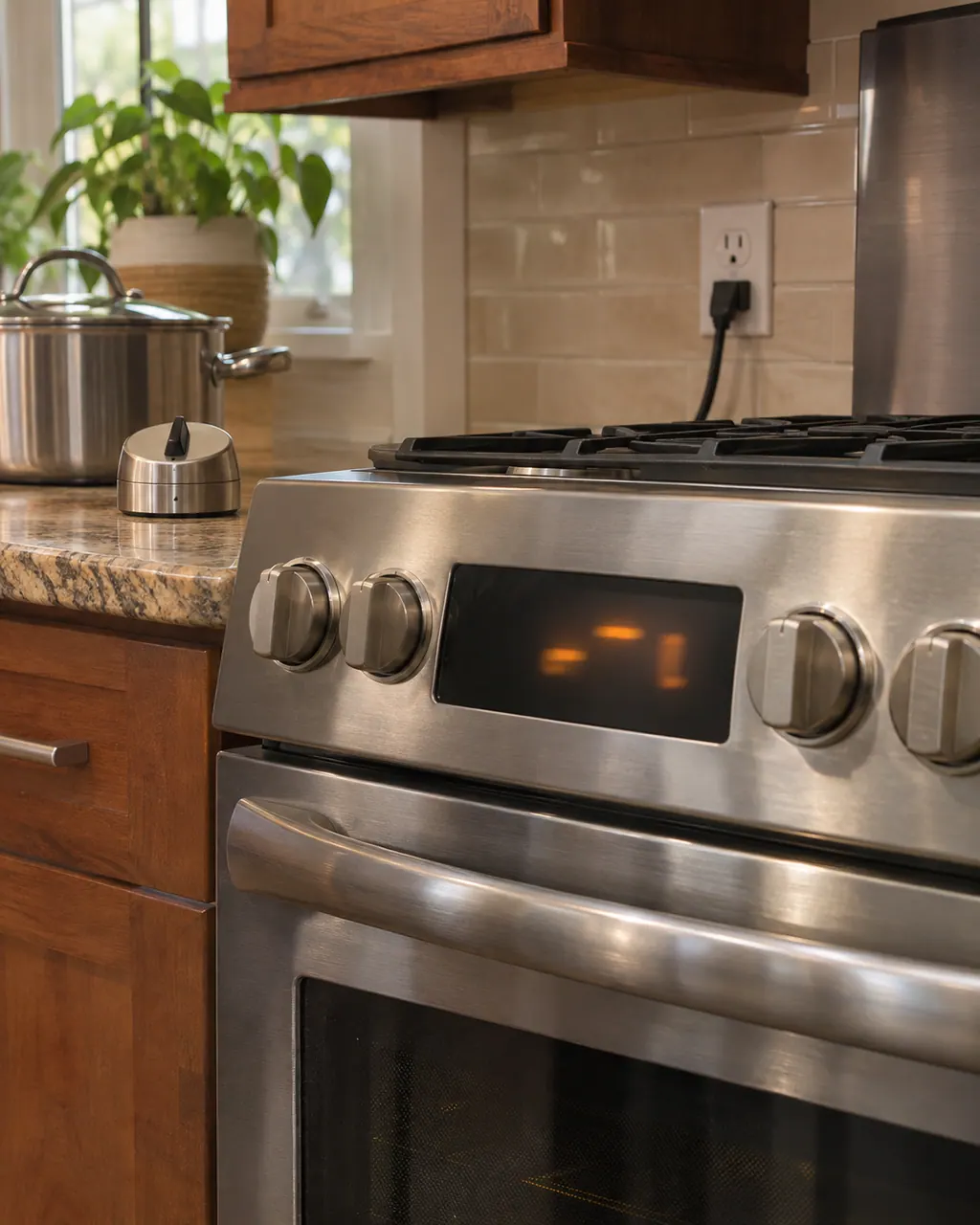
When the range is first plugged in or loses power, the display flashes 12:00. On the current electric and gas range manuals, open the Settings key, scroll to CloC, press START, set the time with the arrows and press START again. The clock can’t be changed while the oven is cooking.
- 2
Look at the 12-hour or 24-hour mode
The Settings menu has a display-mode option, pre-set to 12 hours. A clock that reads 13:00 rather than 1:00 has been switched to 24-hour mode and isn’t broken. The same menu lets you restore the default control settings (rSEt).
- 3
Remember what the minute timer does
It runs from 1 minute up to 11 hours 59 minutes and does not start or stop cooking. When it ends the display shows End, the control beeps three times and repeats every minute until you press Timer On/Off. If the keypad is silent, the Aud option in Settings sets the key tones, including off.
- 4
Read a dash as the lock
Frigidaire’s article says a dash in the display means the controls are locked, and to press and hold OFF for 6 seconds. The electric range manual describes holding the Lock key for 3 seconds instead, so follow the wording printed for your model. The door can take about 15 seconds to move.
- 5
Check Delay Start
Delay Start works with Bake and Conv Bake, for up to 1 hour, and the manual says to set the time of day correctly first. If the oven seems to be waiting, look for dELy counting down and press OFF to stop it.
Systems a technician may investigate.
These parts are linked to the problem. What you noticed does not prove any one of them has failed.
If the display adds a code.
Control panel
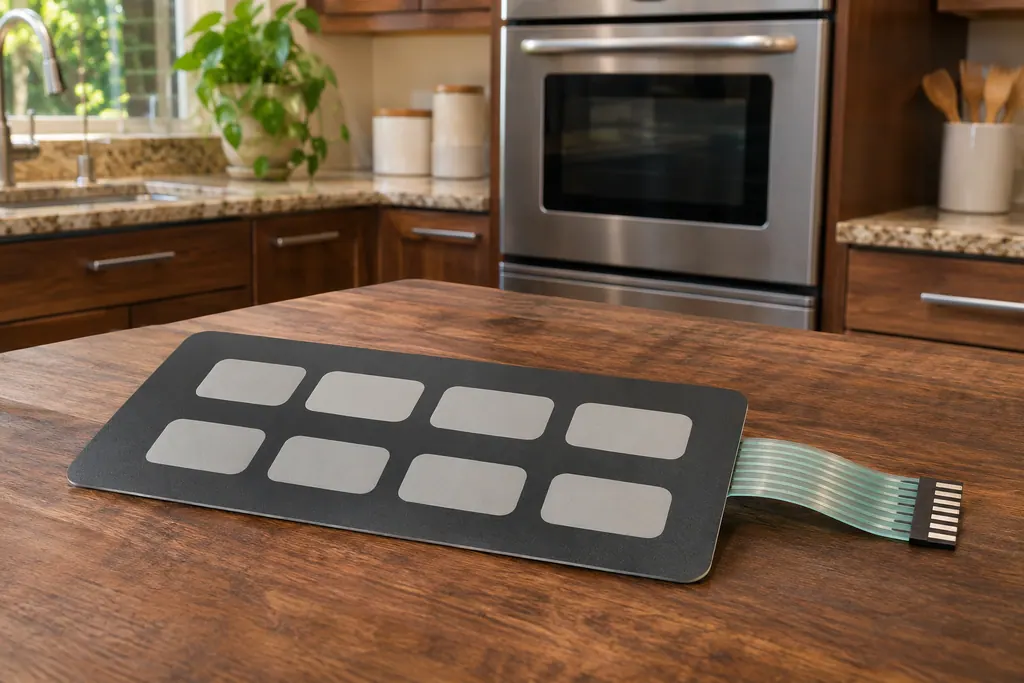
F1 is listed by Frigidaire as “Shorted Key Pad” for range ovens, with no explanation past the name. Press OFF, reset the power, set the clock and retry Bake or Broil. If F1 returns, arrange service.
Communication
F3 is listed by Frigidaire as “Communication Error” for range ovens. No cause is printed. F20 and F26 carry the same name in the guide and have their own pages. Press OFF, reset the power, set the clock and retry; arrange service if it returns.
Read the related care guide.
Oven clock stuck on 12:00? Start here.
A flashing 12:00 on a Frigidaire range or wall oven means the control lost power and forgot the time. Set the clock again before you cook, because the manuals say the oven needs the time of day. If it keeps resetting with no outage, book a technician.
Cookies burning on one side? Start here.
Frigidaire says bakeware and rack position change baking results more than most owners expect, and that air has to circulate around every pan. Check the rack, the pan material, the spacing and the preheat tone first. A technician is for an oven that still misbehaves after that.
When observation becomes a service request.
Leave internal testing to a technician.
Book a technician if the clock resets again without a power cut, the display stays blank or garbled, or an F or E code appears while you set the time. See the oven codes pages for F1 and F3.
Arrange a diagnosticSources and model boundaries.
These documents back up the Frigidaire oven clock flashing or timer not working advice. Use the manual that matches your model.
- User Manual, Electric Range, A30923902
- User Manual, Gas Range, A30923903
- What does it mean if my display shows a – (dash)? (KB 1852982)
- Ranges - What does the Lock feature do and how can I activate it? (KB 1847356)
Follow the instructions written for your own model. See how we research these pages.
Why does my Frigidaire oven clock flash 12:00?
The display flashes 12:00 whenever the range is first plugged in or its power has been interrupted. Set the clock again from the Settings menu; the manuals say the oven needs the correct time of day set before it will operate.
Can I change the clock while the oven is baking?
No. The electric range manual says the clock can’t be changed while the oven is set for cooking. Press OFF first, set the clock, then start your cooking function again.
Does the oven timer turn the oven off?
No. The minute timer only counts down and signals. To stop cooking automatically, use Cook Time, which turns the oven off when the set time ends.
Why does my display show a dash?
Frigidaire’s article says the dash means the controls are locked. Press and hold OFF for 6 seconds, or the Lock key for 3 seconds on the electric range manual, and wait for the door lock to release.
When does a clock problem need a visit?
When the time resets by itself with no power cut, the keypad ignores the Settings key, or the display shows an F or E code that comes back after a power reset.
Code / problem / part / repair
From the code to what you do next.
F1
F1 is listed by Frigidaire as “Shorted Key Pad” for range ovens, with no explanation past the name. Press OFF, reset the power, set the clock and retry Bake or Broil. If F1 returns, arrange service.
Frigidaire oven clock flashing or timer not working
A flashing 12:00 on a Frigidaire range means the control lost power and forgot the time. The manuals say the clock must be set before the oven will run, so set it first. Then check the 12/24-hour mode, the minute timer, a dash on the display and Delay Start. If the clock keeps resetting without a power cut, book a technician.
Control keypad
The keypad is the set of keys or touch pads that tells the control what to do. Frigidaire lists F1 as “Shorted Key Pad” on range ovens, and its dishwasher guide says a shorted keypad drains the unit and flashes its lights. Both guides begin with a power reset.
Oven repair
Book a diagnostic for your model, done at your home.
Find your metro
Office addresses and the entry details to have ready.