On this page
- The Minute Timer runs from 1 minute to 11 hours 59 minutes and never starts or stops cooking. 1
- Cook Time turns the oven on now (or after a delay) and off when the time ends. 1
- Delay Start is limited to one hour on the range manuals and works with Bake (and Conv Bake on the electric range). 12
- Cook Time and Delay Start are reached from the Settings key on the keypad ranges. 1
- Steam Clean cannot be combined with a Delay Start. 1
What is the difference between the Minute Timer, Cook Time and Delay Start?#
The Minute Timer is a kitchen reminder that beeps and does nothing else. Cook Time starts the oven and shuts it off when the time ends. Delay Start waits up to one hour, then starts a Bake. All three need the time of day to be set. 12
That difference is the whole guide. People press the timer key expecting the oven to stop, and it does not. The electric range manual is blunt about it: the Minute Timer "does not start or stop the cooking process." 1
| Tool | What it does | Range limits | Page |
|---|---|---|---|
| Minute Timer | Counts down and beeps | 1 minute to 11 hours 59 minutes | 1 p. 10–11 |
| Cook Time | Runs the oven now, then turns it off | Set in hours and minutes | 1 p. 13 |
| Delay Start | Waits, then starts the chosen function | Up to 1 hour | 1 p. 13, 2 p. 12 |
If your display is flashing 12:00 because the power went out, that is a different problem with its own page: see oven clock flashing or timer not working. This guide assumes the clock shows the right time.
How do I set the Minute Timer on a Frigidaire range?#
Press the Timer On/Off key, use the Up or Down arrow until the time you want shows, then press START. The display counts down and shows "End" at zero. The range allows 1 minute to 11 hours 59 minutes. 1
The manual's own example is 15 minutes. Holding an arrow changes the time faster, which helps when you want hours rather than minutes. 1
- 1
- 2
- 3
- 4
To cancel before time runs out, press the Timer key again. The Minute Timer can run alone or alongside any other oven function. The gas range manual describes the same sequence in section 6.8. 12
How do I set Cook Time so the oven turns itself off?#
Choose a cooking function and a temperature first. Then press the Settings key until "C-tl" appears, press START, use the arrows to enter hours and minutes, and press START again. At zero the display shows "End" and the oven turns off. 1
The order matters, because Cook Time attaches to the function you already picked. If you set it before choosing a function, there is nothing for it to stop. 1
- 1
- 2
- 3
- 4
- 5
Cook Time works with most oven functions. On the gas range manual the section is 6.14 and the steps are the same. 2 On the touchscreen wall oven you set it from the screen instead: choose the function, set the temperature, press START, then set a Cook Time. The oven turns itself off when the time ends and shows Off. 3
How do I set Delay Start on a Frigidaire oven?#
Choose Bake and a temperature, set a Cook Time if you want one, press the Settings key until "dELy" appears, press START, set the delay with the arrows, and press START again. The maximum delay is one hour. 1
This is a real sequence, so follow it in order. The electric range manual, section 6.18, lists seven steps. 1
- 1
- 2
- 3
- 4
- 5
- 6
- 7
To stop the delay at any time, press OFF. 1
Delay Start on a wall oven#
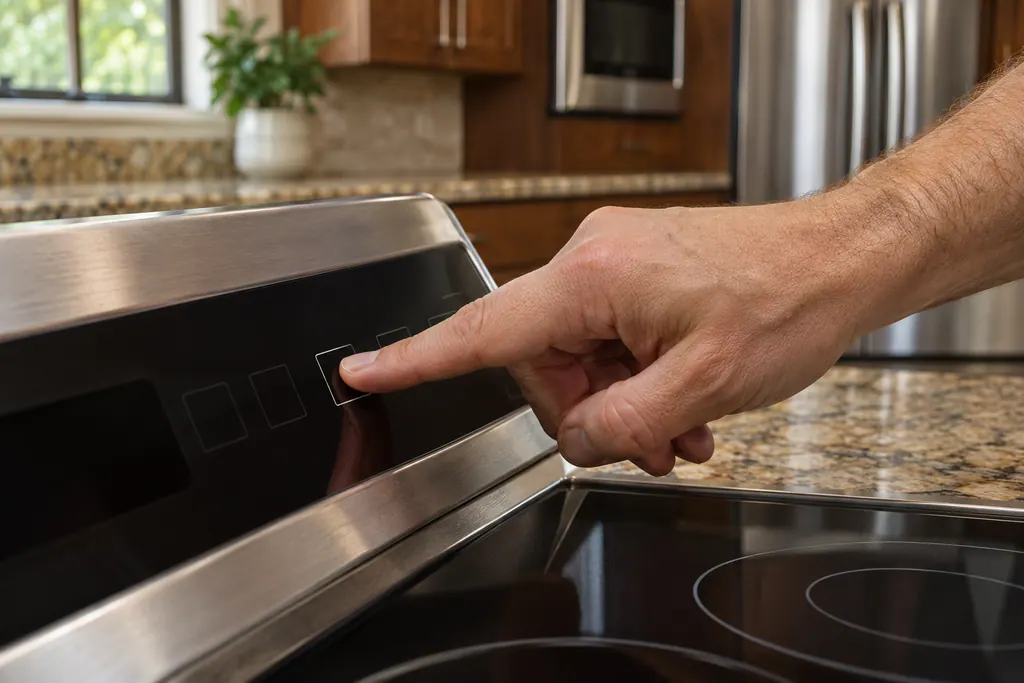
The touchscreen wall oven manual allows more functions: Bake, Convect Bake, No Preheat, Convect Roast, Steam Roast, Steam Clean and Self Clean. The delay is one hour for most, and 12 hours for Self Clean and Steam Clean. You open it from Oven Modes, then Delay Start, and follow the screen. 3
A food safety limit#
The wall oven manual warns not to let food sit in the oven for more than one hour before or after cooking, because of food poisoning risk. A delay of an hour is already the limit, so use Delay Start for items that stay safe at room temperature, not raw meat, eggs or dairy. 3
What Delay Start cannot do#
On the range manuals, Steam Clean cannot be combined with a Delay Start. 1 The gas range manual lists Delay Start for Bake only, so do not expect it on Broil or Air Fry. 2
What other limits should I know about?#
The range oven turns itself off after 12 hours unless you change the setting. Keep Warm runs for 1 hour. The Minute Timer tops out at 11 hours 59 minutes. Keys outside the allowed range trigger three short beeps. 1
- 12-hour shutoff. A built-in energy saving feature shuts the oven off if it has been on more than 12 hours. The Settings key lets you switch to continuous baking under "E-SA". 1
- Keep Warm. The default is 170°F (77°C), it turns on for 1 hour, and the request clears if you do not touch another key within 25 seconds. 1
- Entry tones. One beep is an accepted key press. Three short beeps mean the time or temperature is below the minimum or above the maximum for that feature. 1
- Changing the clock. You cannot change the clock while the oven is set for cooking. 1
- Locked panel. If the oven lock is on, any key press gets a triple beep, so unlock first. See oven lock and Sabbath mode. 1
Why is my Delay Start or timer not working?#
Check three things in order: whether the clock shows the real time, whether you chose a function that allows a delay, and whether the panel is locked. A flashing 12:00 or a triple beep usually explains it. 12
- Clock. If it flashes 12:00, set the time of day before anything else. 1
- Function. Delay Start is not offered on every function. Check the list above for your model. 12
- Lock. A locked panel rejects key presses with a triple beep. 1
- Different panel. Wall ovens and induction ranges use touchscreens. Their steps are on screen and in the manual for your model. 3
If an F or E code appears, the troubleshooting table says to press OFF, then try again. If it repeats, turn off power at the breaker, wait 5 minutes, restore power, set the clock and try again. 1
For the service itself, see our oven service page.
Sources#
- User Manual, Electric Range, A30923902Frigidaire / Electrolux · Current edition (20 pages, no date printed) · pp. 10, 11, 13 (timer, Cook Time, Delay Start, Keep Warm); p. 14 (Steam Clean note); p. 17 (Before you Call)
- User Manual, Gas Range, A30923903Frigidaire / Electrolux · Current edition (20 pages, no date printed) · pp. 10, 11, 12 (clock, Minute Timer, Cook Time, Delay Start)
- User Manual, Wall Oven, A30904902Frigidaire / Electrolux · Current edition (28 pages, no date printed) · pp. 9, 10 (Timer, Cook Time, Delay Start)
- Electrolux Group Recalls Frigidaire Gas Ranges Due to Burn Hazard (CPSC recall 26-333)U.S. Consumer Product Safety Commission · Recall 26-333, March 19, 2026 · Recall notice