On this page
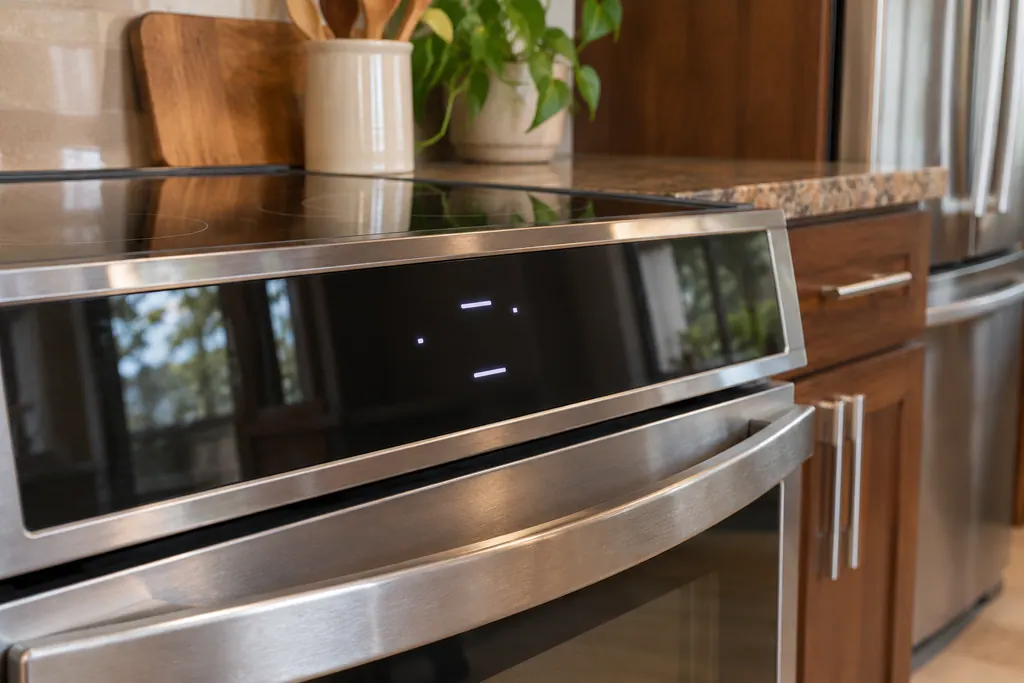
- A dash on the display means the cooktop and controls are locked. 3
- The door lock takes about 15 seconds to move, in either direction. Do not force the door. 12
- The manual says 3 seconds on the Lock key; the Owner Center article says 6 seconds on OFF. 12
- Sabbath mode allows Bake only and turns off tones and display changes. 45
- Sabbath mode is not on every model, and the steps differ by model. 5
Why is there a dash or a lock symbol on my Frigidaire oven display?#
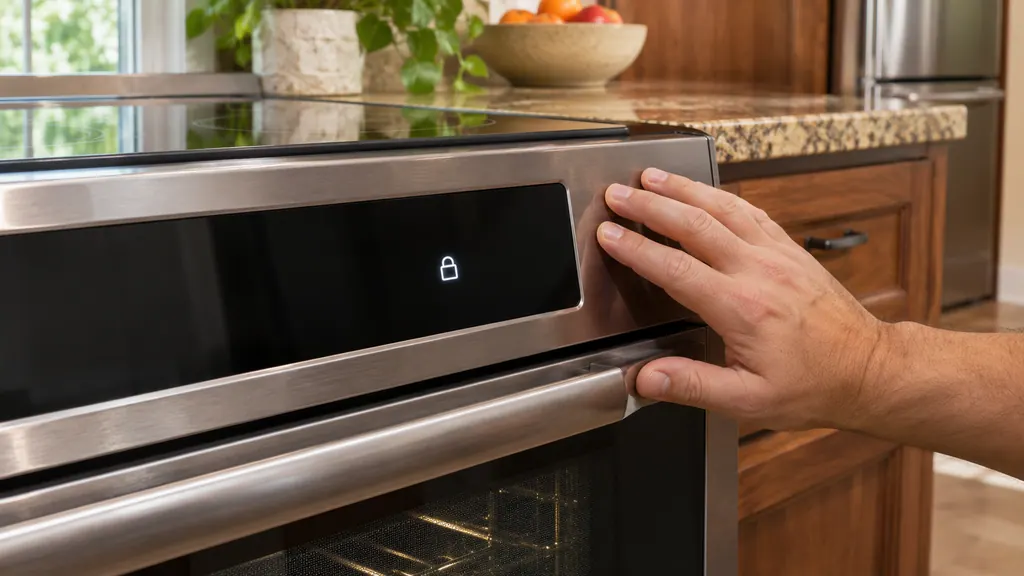
A dash or a lock symbol means the oven lock is on. Frigidaire's article on the dash says the cooktop is locked, and the electric range manual says the lock covers the cooktop surface, the oven keys and the oven door. Nothing is broken. 13
Most calls about "dead" oven keys end here. The control accepts nothing while it is locked, and the manual says any key press during lockout produces a triple beep to show the action is not possible. 1
If you see a dash and the keys do not respond, try the unlock steps below before anything else. 13
How do I lock and unlock a Frigidaire oven?#
On the electric range, hold down the Lock key for 3 seconds. A lock symbol appears and the door locks in about 15 seconds. Hold the same key for 3 seconds again to unlock. Frigidaire's article gives a 6-second press of OFF instead. 12
The two sources disagree, so here are both, side by side. This is a case where the manual for your exact model should be your tiebreaker.
| Source | Key to hold | How long | What you see |
|---|---|---|---|
| Electric range manual, 6.11 | Lock key | 3 seconds | Lock symbol on the display; door locks in about 15 seconds 1 |
| Owner Center article | OFF | 6 seconds | Lock in the display, door light flashes, time of day returns 2 |
- 1
- 2
- 3
- 4
- 5
What if I cannot find a Lock key?#
Frigidaire's range manuals describe a Lock key on the keypad models. The touchscreen wall oven works differently: go to Menu Options, choose Lock Screen, and touch and hold LOCK for 3 seconds. While locked, the screen shows the time of day, a note that the oven is locked and an UNLOCK key. 4
To unlock the wall oven, press UNLOCK and follow the directions on the screen. 4
The articles say instructions may vary by model. If your control looks different from any of these, use the manual for your model number. 2
Why won't the oven door open after I unlock it?#
Give it about 15 seconds. The manual says the door lock mechanism needs about that long to move, whether it is locking or unlocking. Do not pull on the door while it is active, because it could stop the mechanism partway. 1
If the lock symbol has gone and the door stays locked well beyond that, the mechanism may need attention. Frigidaire's Owner Center lists F90 to F94 as door lock issues on electric ranges and says to reset the range by cutting power for up to 30 seconds. If one shows and comes back, write it down for the technician. 8
What is Sabbath mode on a Frigidaire oven?#
Sabbath mode is a special setting for observing the Jewish Sabbath and holidays. It turns off tones and display changes, allows only Bake, and locks the controls. Frigidaire says it is not available on all models, so check your own manual. 5
The wall oven manual describes the same behavior and adds details: Bake is the only cooking feature available, and most oven controls are locked. 4
Neither of the range manuals we reviewed, the electric A30923902 and the gas A30923903, describes a Sabbath setting. If you do not see it in your manual, your oven may not have it. 15
How do I set Sabbath mode on the touchscreen wall oven?#
Touch the Menu Options bar and scroll to Sabbath Mode. Follow the screen, choose a delay if needed, a baking temperature and a Cook Time if needed, and cooking starts after the delay. To leave Sabbath mode, press and hold EXIT for 3 seconds. 4
- 1
- 2
- 3
- 4
- 5
What the wall oven manual warns about#
- Bake only. Do not try any other oven function. Only the + and - keys and OFF work. 4
- No signals. The control will no longer give tones or display changes, and if cooking is canceled, nothing confirms it. 4
- Used once. The oven shuts off after completing a bake time, so it may be used once during the Sabbath or holiday. 4
- Energy saving. Sabbath mode overrides the preset 12-hour shutoff, and the oven stays on until the cooking features are canceled. 4
- Food safety. Do not let food sit more than one hour before or after cooking. 4
For steps on other models and for a list of models with the feature, the manual refers readers to the Star-K website. 4
Does my refrigerator have a Sabbath mode too?#
Some do. On the refrigerator manual we reviewed, Sabbath mode is turned on and off by holding TEMP F-C and FREEZER together for 5 seconds, and the display shows Sb. Frigidaire's alarm article describes a slightly different key pair, the minus key and TEMP F-C. 67
That is a refrigerator topic, not an oven one, and the keys differ by model. If your refrigerator display shows Sb, check the manual for your model rather than this oven guide. 67
What should I tell the technician?#
Say which model it is, whether you see a dash, a lock symbol or a code, and which key sequence you tried. If Sabbath mode is involved, say whether it was on when the problem started. That saves a repeat of what you have already done. 14
For the service itself, see our oven service page. If the keypad is the only problem, oven controls not responding has the checks for that.
On a gas range, also check the 2026 U.S. Consumer Product Safety Commission recall about delayed ignition of the bake burner on the CPSC recall page. It is not related to the lock, but the notice lists the models it covers.
Sources#
- User Manual, Electric Range, A30923902Frigidaire / Electrolux · Current edition (20 pages, no date printed) · p. 10 (Lock key), p. 11 (6.11 Oven Lock)
- Ranges - What does the Lock feature do and how can I activate it? (KB 1847356)Frigidaire / Owner Center knowledge base · Owner Center article, cached 10.11.2026 (no edition date printed) · Article text
- What does it mean if my display shows a - (dash)? (KB 1852982)Frigidaire / Owner Center knowledge base · Owner Center article, cached 10.11.2026 (no edition date printed) · Article text
- User Manual, Wall Oven, A30904902Frigidaire / Electrolux · Current edition (28 pages, no date printed) · p. 9 (3.15 Lock Screen), pp. 19-20 (4.27 Sabbath feature)
- Ovens - What is Sabbath mode and how do I use it? (KB 1847374)Frigidaire / Owner Center knowledge base · Owner Center article, cached 10.11.2026 (no edition date printed) · Article text
- Refrigerator use & care, A23655704 (June 2025)Frigidaire / Electrolux · June 2025 · p. 18 (Sabbath Mode)
- Refrigerator Error Codes and Alarms Guide (KB 1847088)Frigidaire / Owner Center knowledge base · Owner Center article, cached 10.11.2026 (no edition date printed) · Article text
- Range Error Code F90 / F91 / F92 / F93 / F94 - Door Lock Issue (KB 1846388)Frigidaire / Owner Center knowledge base · Owner Center article, cached 10.11.2026 (no edition date printed) · Article text