Frigidaire oven DEMO MODE / Mode, not a failure

Frigidaire oven
error DEMO MODE

Oven / display referenceDEMO MODE

A Frigidaire oven showing DEMO MODE is running its showroom display setting, which is not a breakdown. Drop the oven's circuit at the house panel for three-quarters of a minute, restore it, then open the oven's setup screens and switch the Demo entry off.
Also shown as DEMO MODE

Last reviewed

Oven / display referenceDEMO MODE
Meaning
A Frigidaire oven showing DEMO MODE is running its showroom display setting, which is not a breakdown. Drop the oven's circuit at the house panel for three-quarters of a minute, restore it, then open the oven's setup screens and switch the Demo entry off.
Who handles it
No action needed
Related codes
Source
Oven Error Codes and Alarms Guide

What Frigidaire oven DEMO MODE means.

What it means

A Frigidaire oven showing DEMO MODE is running its showroom display setting, which is not a breakdown. Drop the oven's circuit at the house panel for three-quarters of a minute, restore it, then open the oven's setup screens and switch the Demo entry off.
What you can safely check

Work at the panel, not the oven keys.

When to call a technician

The oven stays cold after the Demo entry has been disabled.

Your checklist / kept on this device

Safe checks, in order.

0 of 5 checks done
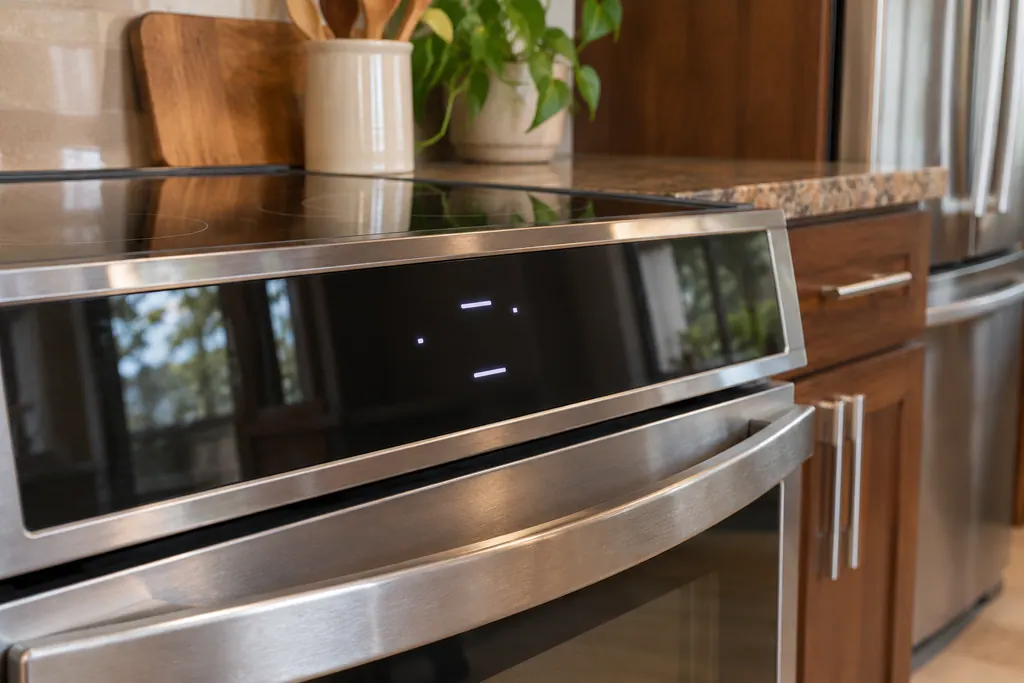
  1. Frigidaire oven DEMO MODE: Glass touch control panel of a stainless range above the oven door, with a few small lit segments on a dark display.
    Illustration. Follow your model’s instructions.
    Before you begin

    Open the oven's breaker

    Work at the panel, not the oven keys. Dropping the breaker is the first move in Frigidaire's list.

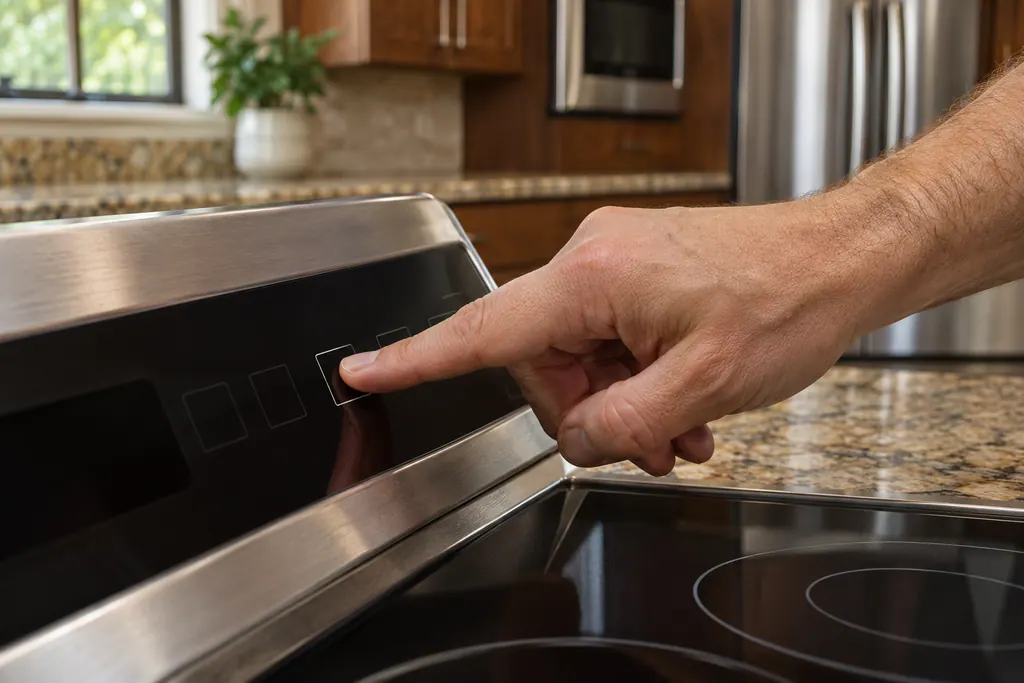
  2. Fingertip pressing one of several outlined touch keys on the glass control panel of a range, with the cooktop below.
    Illustration. Follow your model’s instructions.
    Check 2

    Leave the power off for 45 seconds

    Watch a clock. A quick flick is not what the guide describes.

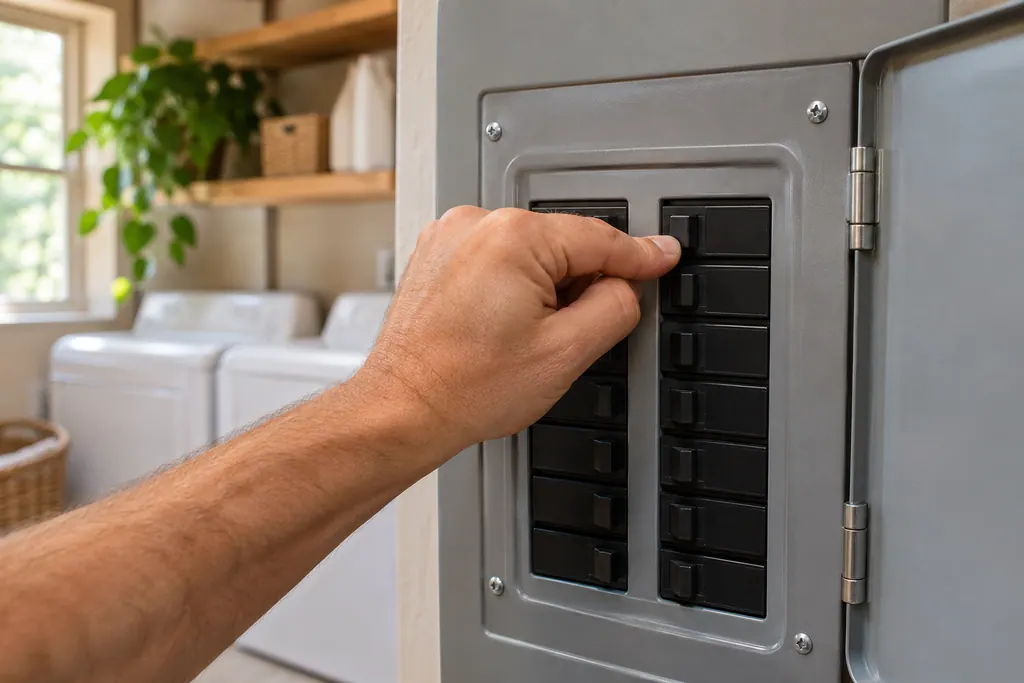
  3. Hand flipping one black breaker switch on an electrical panel with its outer door open, in a laundry room.
    Illustration. Follow your model’s instructions.
    Check 3

    Close the breaker again

    Give the screen a few moments to wake up before pressing anything.

  4. Technician in a dark jacket seen from behind holding a tablet with an empty checklist, a range in the background.
    Illustration. Follow your model’s instructions.
    Check 4

    Enter the setup screens

    Where the setup key sits depends on the control, so look it up in your owner's booklet.

  5. Gloved hands holding multimeter probes on a connector at the open lower back of a refrigerator, tool bag nearby.
    Illustration. Follow your model’s instructions.
    Check 5

    Find the Demo entry and disable it

    Afterwards bake something plain to see that heat returns.

Still showing DEMO MODE?

Tell us the model and what you have already checked, and start the request right here.

Book a visit

The touch panel and control.

Conceptual Range / oven sectionKeypad / touch panelControl boardElement wiring123
  1. 3Element wiring

Simplified schematic; real layouts differ by model. Tap an outlined part for its photo and the check that goes with it.

A little more context.

What is this message?

Frigidaire's oven guide has a line reading "DEMO MODE – Unit is in Demo Mode" among the codes. It names a display setting and not a part problem.

Read the supporting manual

Why would an oven stay cold in this state?

Frigidaire does not list what the setting turns off. Switch it off first; a cold oven in this state is not yet a repair.

Read the supporting manual

What if the oven is still cold afterwards?

Then something other than the setting is at work. A visit from us can sort out what, and it helps to say which of the steps above you already tried.

Read the supporting manual

The manual behind the message.

Manufacturer document

Oven Error Codes and Alarms Guide

Frigidaire / Owner Center knowledge base

Owner Center article, cached 10.11.2026 (no edition date printed) / Article text

The Owner Center oven guide, which covers wall ovens and standard range ovens. The name of the setup key differs from model to model.

Here to help

Good questions.
Clear answers.

Talk to our team
Does this count as an error code?

Not really. It appears in the list, but the entry describes a setting.

How did my oven get into it?

Frigidaire does not say how it gets switched on.

Will the usual quick power reset fix it?

No. The guide keeps the setup-screen step for this entry.

I cannot find the setup screens. Help?

Controls differ by model. Look in your use and care guide, or quote your model when you book.

Let’s take care of it.

The range is the heart
of the kitchen. Let’s fix it.