What it means
A dash on a Frigidaire electric range's display means the cooktop is locked. Press OFF and hold it for 6 seconds to cancel the lock; the control then unlocks the oven door and goes back to normal.
Frigidaire range – / Mode, not a failure
A dash on a Frigidaire electric range's display means the cooktop is locked. Press OFF and hold it for 6 seconds to cancel the lock; the control then unlocks the oven door and goes back to normal.
Also shown as –
A dash on a Frigidaire electric range's display means the cooktop is locked. Press OFF and hold it for 6 seconds to cancel the lock; the control then unlocks the oven door and goes back to normal.
This is the cancel step in Frigidaire's article.
The dash stays after a 6-second OFF hold and a power reset.
Your checklist / kept on this device
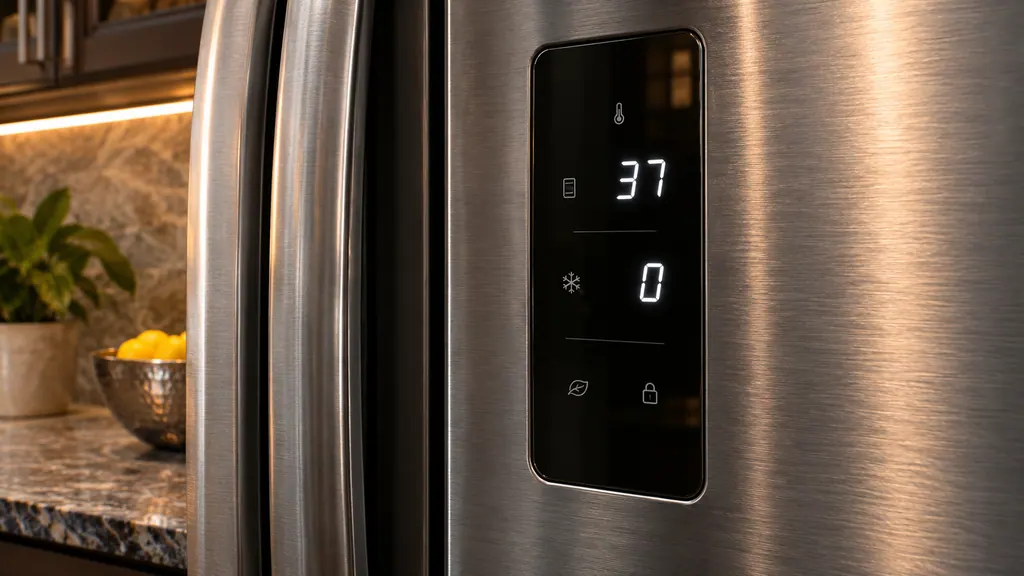
This is the cancel step in Frigidaire's article.
The control releases the oven door after the hold.
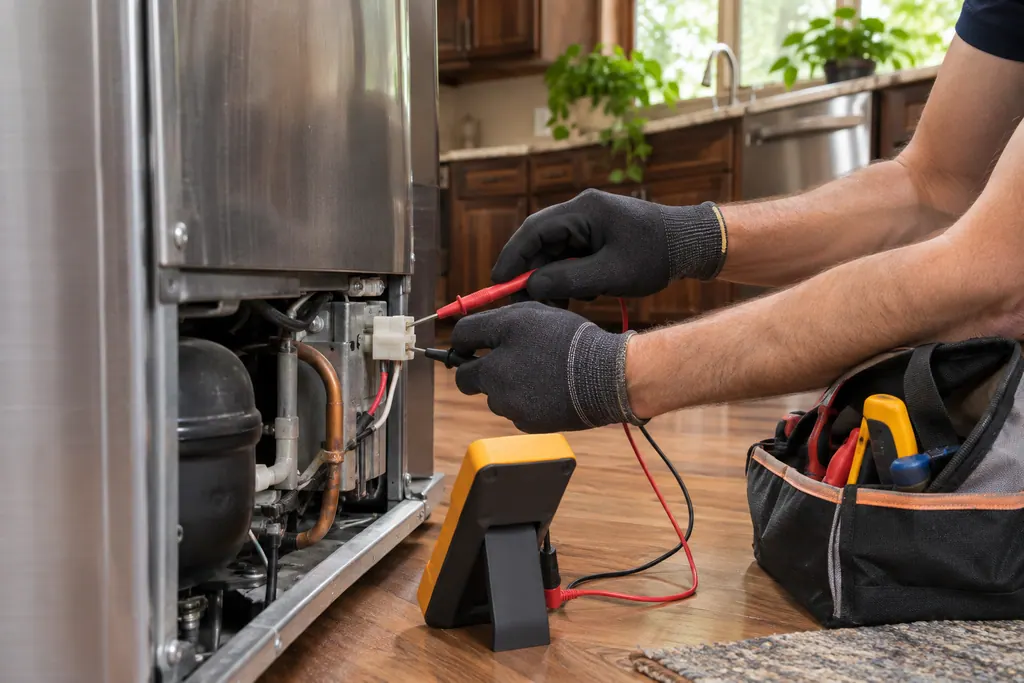
The dash should be gone and the range ready to use.
Our advice: a key pressed by accident can set the lock again.
Tell us the model and what you have already checked, and start the request right here.
Book a visitSimplified schematic; real layouts differ by model. Tap an outlined part for its photo and the check that goes with it.
Frigidaire's range code guide lists "– (dash)" and says the cooktop is locked.
Read the supporting manualHold OFF for 6 seconds to cancel the oven lock feature. The control then unlocks the oven door and resumes normal operation.
Read the supporting manualThe range manual says the lockout can cover the cooktop surface, the oven keys and the door, with the door latching in about 15 seconds.
Read the supporting manualManufacturer document
Frigidaire / Owner Center knowledge base
Owner Center article, cached 10.11.2026 (no edition date printed) / Article text
Manufacturer document
Frigidaire / Electrolux
No edition date printed / PDF p.11 (6.11 Oven Lock)
Printed in the Owner Center range code guide (article 1846380); the lock key varies by model.
No. It confirms that the lock is on.
Someone pressed the lock key, or it was set on purpose. The controls ignore other presses meanwhile.
Allow about 15 seconds after unlocking, since the latch takes that long to move.
Reset the range at its breaker for 30 seconds. If the dash stays, book a visit.
Code / problem / part / repair
Frigidaire handles F90 through F94 on electric ranges as one door lock issue. Its remedy is a pause in power of about half a minute.
If the whole range is dead, the manual starts with the cord and the breaker: plug it in firmly, check the fuse or breaker box, and confirm a power outage is not the reason. If only the oven stays off, check the clock and the selected function. On gas models, check the gas regulator.
Book a diagnostic for your model, done at your home.
Office addresses and the entry details to have ready.