Inside the appliance
Oven electronic control. In plain English.
The oven electronic control is the electronics behind the keys and display on a Frigidaire range. When it detects a problem it beeps and shows an F or E code. The manual's steps are to press OFF to clear it, try Bake or Broil, and if the code repeats, cut power for 5 minutes, repower and set the clock.
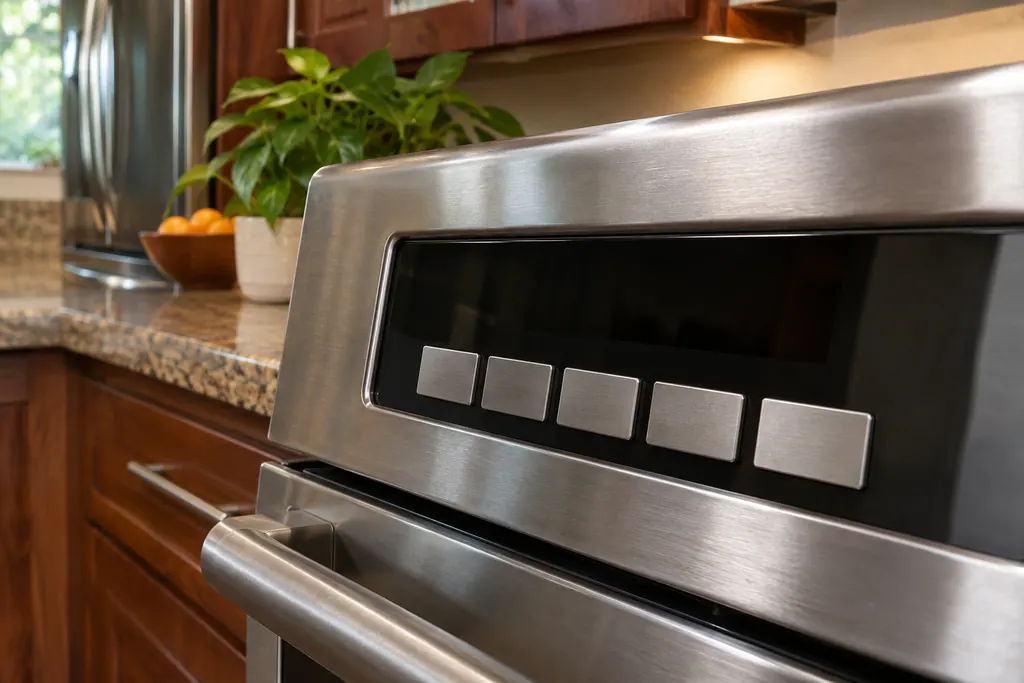
Where it fits.
Oven electronic control in the appliance
Frigidaire's manuals describe the oven control through its keys and display, and do not say where the board sits.
The photo shows the kind of part. It is not a guide to the right replacement for your model.
What you notice when this part needs attention.
Trouble with the Oven electronic control can show up as weaker performance or a code that keeps coming back. Only testing shows whether this part is the cause.
Frigidaire oven clock flashing or timer not working
A flashing 12:00 on a Frigidaire range means the control lost power and forgot the time. The manuals say the clock must be set before the oven will run, so set it first. Then check the 12/24-hour mode, the minute timer, a dash on the display and Delay Start. If the clock keeps resetting without a power cut, book a technician.
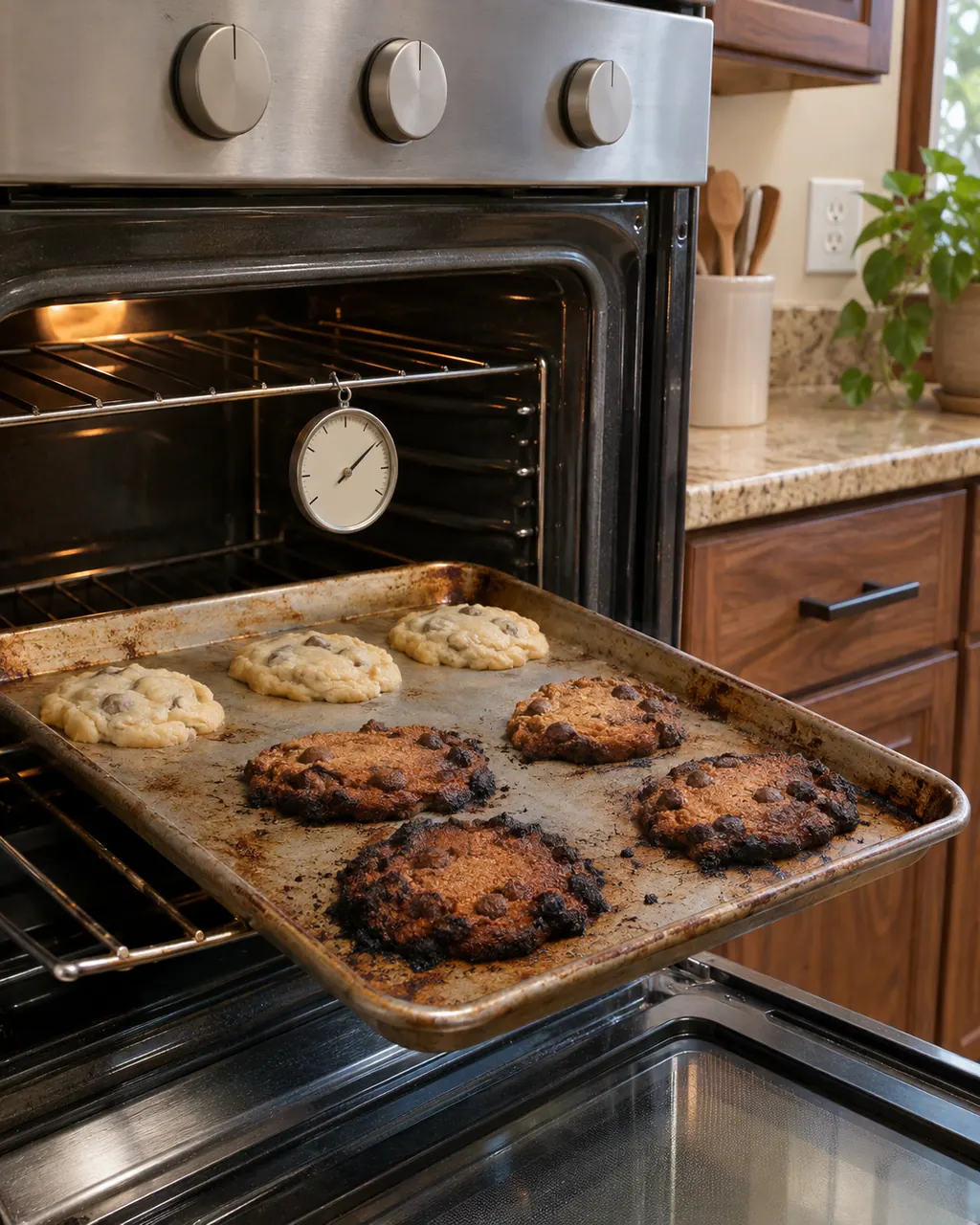
Frigidaire oven too hot, too cool or baking unevenly
Frigidaire’s own fix order starts with preheating, then rack position and bakeware, and only then calibration. Let the empty oven fully preheat with the door shut, then check pans and racks. On electric ovens the article also names low supply voltage and a worn door gasket. If it’s a gas range, read the recall note first.
Owner care, within the model instructions.
Turn the appliance off and unplug it before any owner check. Look out for standing water and sharp debris. Never touch a wet plug or wiring, take off service panels, or go past the owner steps in your manual.
- 1
Press OFF
Press the OFF key on the control panel to clear the code, then try Bake or Broil.
- 2
Cut power for 5 minutes
If the code repeats, turn off power to the appliance, wait 5 minutes, then repower it.
- 3
Set the clock
After repowering, set the correct time of day and try Bake or Broil again. The clock must be set before the oven will operate.
- 4
Try the default settings
The manual lets you restore the oven control to its default settings: press the settings key, scroll to rSEt, and hold START for 3 seconds.
- 5
Keep liquids off the panel
Do not spray cleaner directly on the oven control and display area.
Cleaning or replacement?
Leave internal testing to a technician.
The F or E code returns after a 5-minute power-off and a reset clock.
The control beeps with a code each time you try Bake or Broil.
The display is dark or the keys do nothing after the power cycle.
Arrange a diagnosticSee the neighboring components.
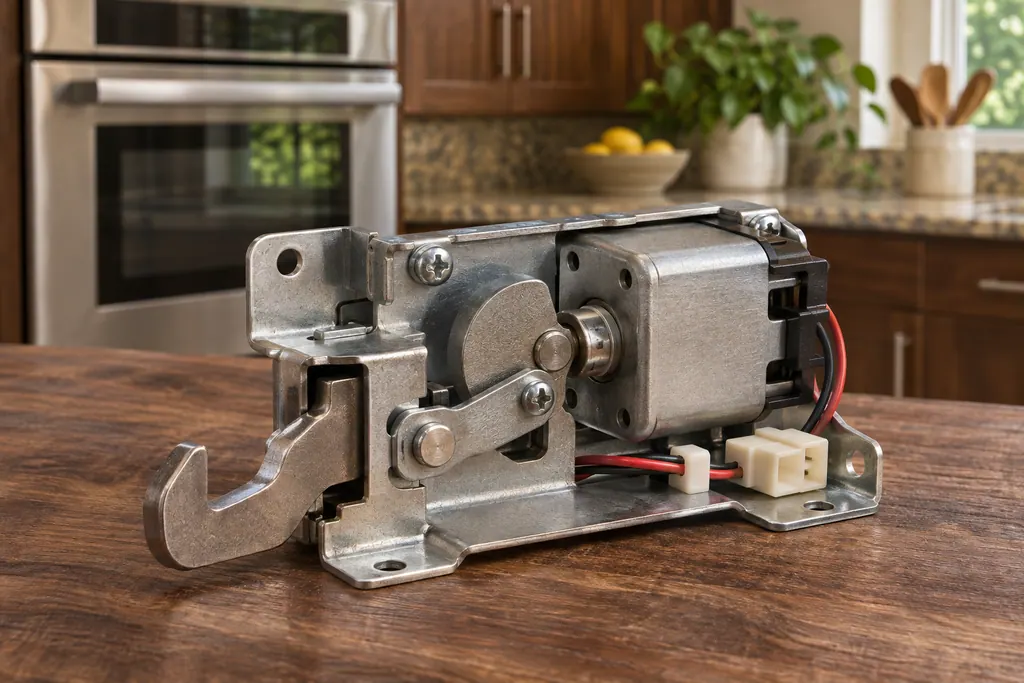
Oven door lock
The oven door lock is a motorized latch that holds the door shut during a self-clean or when you switch on the lockout. Frigidaire’s range manual says it takes about 15 seconds to lock or unlock, and Frigidaire lists F90 through F94 as door lock codes.
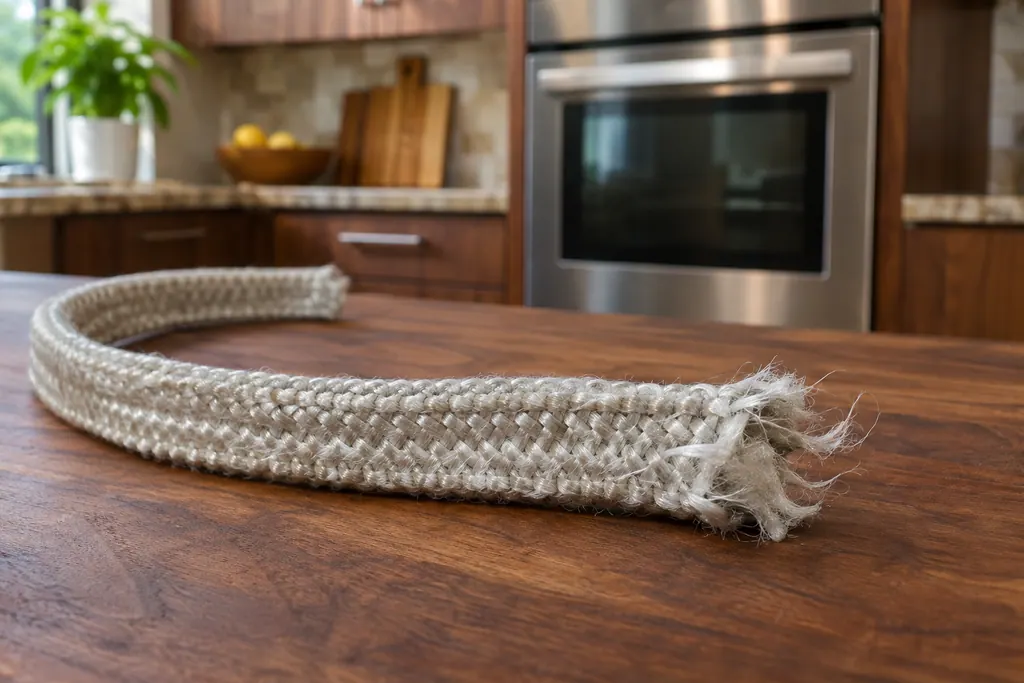
Oven door gasket
The oven door gasket is the woven seal around the oven door. Frigidaire’s manuals say not to clean, rub or remove it, because the weave is what seals the door. A torn, worn, detached or missing gasket lets heat out, and the oven can struggle to preheat.
Sources and model boundaries.
These documents back up the Oven electronic control advice. Use the manual that matches your model.
- User Manual, Electric Range, A30923902
Follow the instructions written for your own model. See how we research these pages.
What does the oven control do?
It takes your key presses and runs the oven functions. Frigidaire's troubleshooting row says that when it detects an error condition, it beeps and shows an F or E code.
How do I clear an F or E code?
Press OFF on the control panel, then try Bake or Broil. If it repeats, cut power for 5 minutes, repower, set the clock and try again.
Does the oven shut itself off?
The control has a built-in 12-hour energy saving feature that turns the oven off after 12 hours. It can be set for continuous baking.
Will resetting to defaults help?
The manual allows it: choose rSEt in the settings and hold START for 3 seconds. It restores display, tone and energy settings. It is not a repair.
Code / problem / part / repair
From the code to what you do next.
Frigidaire oven F5: what the documents print
We found no printed meaning for F5 in Frigidaire's range manuals and code guide, which lists one generic F or E code row. Press OFF, reset the power, set the clock and retry Bake or Broil; arrange a technician if the code keeps coming back.
Frigidaire oven clock flashing or timer not working
A flashing 12:00 on a Frigidaire range means the control lost power and forgot the time. The manuals say the clock must be set before the oven will run, so set it first. Then check the 12/24-hour mode, the minute timer, a dash on the display and Delay Start. If the clock keeps resetting without a power cut, book a technician.
Oven repair
Book a diagnostic for your model, done at your home.
Find your metro
Office addresses and the entry details to have ready.